
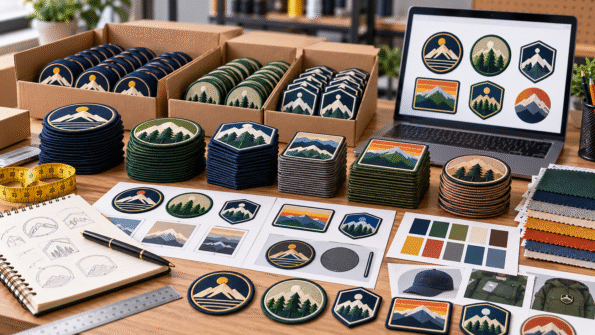
Ordering custom patches in bulk is easier when you treat the project like a small procurement job rather than simply increasing the quantity of a normal order.
Before requesting a bulk quote, organize your quantity, artwork versions, patch specifications, personalization, proof approvals, delivery requirements, and reorder information.
A clear bulk order reduces confusion when one project contains different names, colors, departments, sizes, or designs.
If your patch specifications are not finalized yet, start with the Custom Patch Design Guide.
1. Define What “Bulk” Means for Your Project
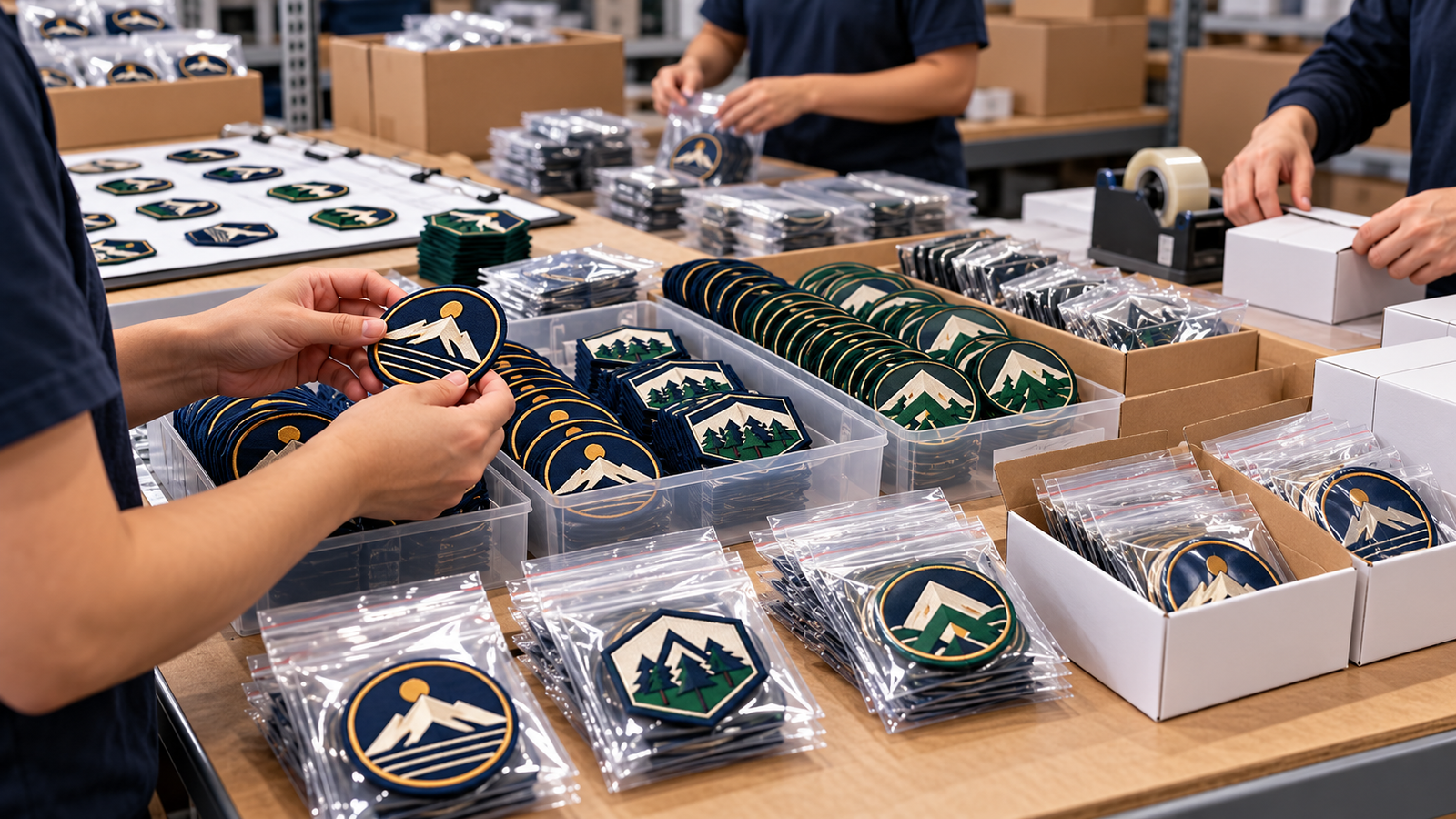
Start with the number of patches you realistically need.
Do not estimate one large total if the order actually contains several different designs.
For example, an organization may need:
- Main company logo patches
- Employee name patches
- Department patches
- Event patches
- Different color versions
- Replacement stock
Those should be identified as separate variants from the beginning.
A useful order request might look like:
Design A: Main company logo – 200 pieces
Design B: Service department – 75 pieces
Design C: Sales department – 50 pieces
This gives the supplier a much clearer picture than simply requesting “325 custom patches.”
2. Separate Designs From Variations
A bulk order can contain either completely different artwork or small variations of the same design.
That distinction matters.
Separate Designs
These may have different:
- Logos
- Shapes
- Dimensions
- Colors
- Patch types
Variations
These may keep the same basic design but change:
- Employee name
- Number
- Department
- Location
- Color
- Short wording
Create a simple list showing which elements stay fixed and which elements change.
For personalized orders, provide the exact wording that should appear on every variation.
Do not make the production team guess whether “Jonathan Carter” should appear as:
JONATHAN CARTER
J. CARTER
or
CARTER
Write the required patch wording exactly as it should appear.
3. Lock the Main Specification Before Creating Variants
Personalized bulk orders become difficult when the base design keeps changing.
Approve the main structure first.
Confirm:
- Patch type
- Width and height
- Shape
- Background
- Border
- Backing
- Main colors
- Font style
- General layout
Then apply the approved format to individual names, numbers, or departments.
This creates consistency across the full order.
It also prevents one employee patch from looking different simply because it was prepared at another stage.
4. Prepare Clean Artwork Versions
Bulk orders often involve more artwork files than expected.
Organize them before requesting production.
Use clear filenames such as:
company-logo-main
company-logo-black
maintenance-department
staff-name-carter
Avoid filenames such as:
final-logo
final-logo-new
final-logo-new2
final-final-use-this
Clear file naming becomes especially valuable when several people are reviewing the order.
Keep one approved source version for each patch rather than sending multiple conflicting logo files.
5. Request Pricing From the Actual Order Structure
Bulk pricing should be based on the product you actually intend to buy.
Quantity is only one factor.
Patch pricing can also depend on:
- Material
- Dimensions
- Artwork
- Shape
- Construction
- Backing
- Customization
If you need a deeper explanation of those variables, read What Affects Custom Patch Pricing?.
For procurement purposes, the important lesson is simple:
Request the quote using the real specifications and realistic quantities.
If you are considering more than one quantity, ask for those specific scenarios rather than assuming how the pricing will change.
6. Review the Master Proof First
For a large order, proof control is especially important.
Before reviewing dozens of personalized versions, make sure the main patch design is correct.
Check the master design for:
- Dimensions
- Shape
- Border
- Logo
- Colors
- Font
- Backing
- Element placement
Once the base design is approved, personalized variations become easier to review.
7. Check Every Personalized Version
Do not assume that approving the main proof automatically confirms every variable patch.
Review:
- Names
- Initials
- Numbers
- Departments
- Locations
- Dates
- Special wording
A spreadsheet or organized roster can help.
For example:
Employee: Jessica Anderson
Patch text: J. ANDERSON
Employee: Michael Reed
Patch text: M. REED
Employee: Christopher Martinez
Patch text: C. MARTINEZ
Check spelling against your source records before approval.
A second reviewer can also help with large personalized orders.
8. Confirm Packaging Requirements Before Production
Bulk patches may be distributed in different ways.
You may need:
- One complete shipment
- Separate department groups
- Individual employee sets
- Retail-ready organization
- Patches grouped by design
- Patches grouped by location
If organization matters after delivery, discuss it before production or packing.
For example, 300 personalized patches delivered in one mixed group may create extra work if they need to be distributed across five locations.
Ask whether your required packaging or grouping can be accommodated.
Any PatchesOrder-specific packaging options or related charges should be confirmed before publishing them as standard services.
9. Work Backward From Your Deadline
Do not give a supplier only the date of your event or launch.
Explain when you actually need the patches in hand.
Consider time for:
- Quote review
- Artwork questions
- Proof preparation
- Internal approval
- Revisions
- Production
- Quality review
- Shipping
- Internal distribution
If the patches are for an event on Friday, receiving them on Friday may already be too late.
Build internal handling time into your required delivery date.
Do not rely on an assumed production or shipping timeline. Confirm the schedule for the actual order before approving it.
10. Confirm the Shipping Plan
For a bulk order, provide an accurate destination and discuss any delivery requirements early.
Confirm:
- Destination
- Contact information
- Whether the order goes to one or several locations
- Any deadline that depends on delivery
- Tracking or shipping information available for the order
If several branches need patches, decide whether you want one central delivery or separate shipments.
Current shipping terms, split-shipment availability, delivery estimates, and any related conditions should be confirmed directly for the order.
11. Keep a Bulk Order Record
Do not throw away the specifications after delivery.
Bulk patch buyers often need:
- Replacement patches
- New employee names
- Additional team members
- Extra inventory
- Another event batch
- Future department orders
Save:
- Approved artwork
- Proof
- Patch dimensions
- Patch type
- Colors
- Backing
- Quantity ordered
- Variant list
- Order date
- Internal reference name
This turns a future reorder into a repeatable request rather than starting again from memory.
12. Create a Reorder Naming System
Give recurring patch designs a simple internal identifier.
For example:
COMPANY-LOGO-01
SERVICE-DEPT-01
NAME-PATCH-NAVY-01
When requesting more patches later, you can identify the exact design and note only what has changed.
For personalized patches, keep the base design reference separate from the new roster.
This is especially useful for businesses, schools, clubs, teams, and organizations with regular staff changes.
Bulk Custom Patch Order Checklist
Before requesting your bulk quote, confirm:
- Total quantity
- Quantity for each design
- Personalized variations
- Correct artwork files
- Patch dimensions
- Patch type
- Colors
- Shape
- Backing
- Exact names or numbers
- Master proof approval
- Variant proof review
- Packaging requirements
- Required delivery date
- Shipping destination
- Reorder records
A few minutes spent organizing these details can prevent much more work later.
Make Your Bulk Order Easy to Approve and Reorder
The best bulk custom patch order is not simply the biggest order.
It is the one with clear specifications.
Separate your designs and variants. Lock the base design before personalization. Review every variable detail. Confirm packaging, deadlines, and shipping requirements early. Then save the approved specification for future reorders.
When your requirements are ready, explore Custom Patches and request a bulk quote using your artwork, quantities, dimensions, and variation list.
Frequently Asked Questions
What information should I provide for a bulk custom patch quote?
Provide the patch type, dimensions, quantity, artwork, shape, backing, intended use, and a list of any design or personalization variations.
Can a bulk order contain different patch designs?
Yes, but each design should be identified separately with its own quantity and specifications so the quote and proof process remain clear.
How should I submit employee names for personalized patches?
Use an organized roster showing the person’s name and the exact wording required on the patch. Review every spelling before approval.
Should I approve a sample or proof before a bulk order?
Reviewing an approved design representation before production is an important control step. Confirm the base design first, then review any personalized or variable versions that also require approval.
How far ahead should I order bulk patches?
Work backward from the date you need the patches in hand and allow time for artwork review, proof approval, revisions, production, shipping, and your own distribution. Confirm the actual schedule for your order rather than relying on a generic estimate.
What should I save for future bulk patch reorders?
Keep the approved artwork, proof, dimensions, patch type, colors, backing, variation format, and previous order details. This makes future reorders easier to match.
